Adam - Dominant, Firm
premademalesocial_mediaamerican
Runs online, nothing to install
Upload a track and get an AI song cover sung by a different, licensed voice, while the melody, lyrics, and backing music stay exactly as they were. Every AI cover song starts with a free 30-second AI voice cover preview.
Listen to demo tracks
Starry Sky
Indie · Dreamy · Female vocals
Upload a song, choose a voice, and create your AI cover.
Upload a song, choose an ElevenLabs voice, and receive a remixed AI cover plus separate vocal and instrumental downloads.
Browse and preview voices without signing in. Sign in only when you're ready to generate.
Adam - Dominant, Firm

Alice - Clear, Engaging Educator
Bella - Professional, Bright, Warm
Bill - Wise, Mature, Balanced
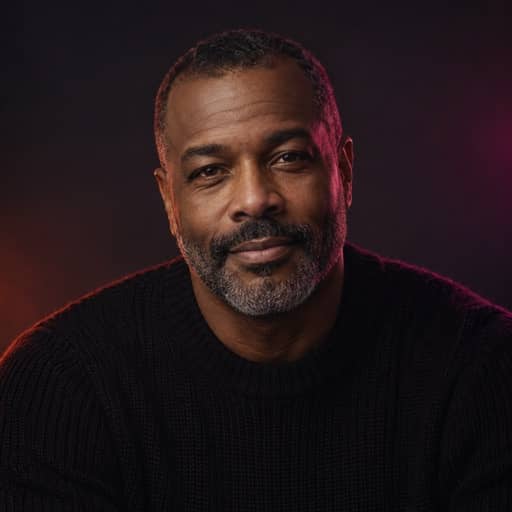
Brian - Deep, Resonant and Comforting
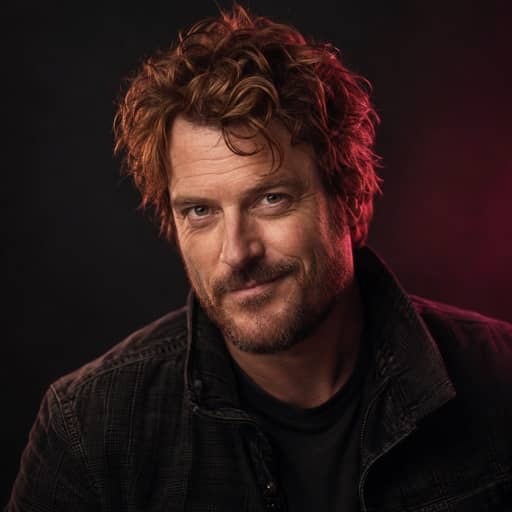
Callum - Husky Trickster

Charlie - Deep, Confident, Energetic
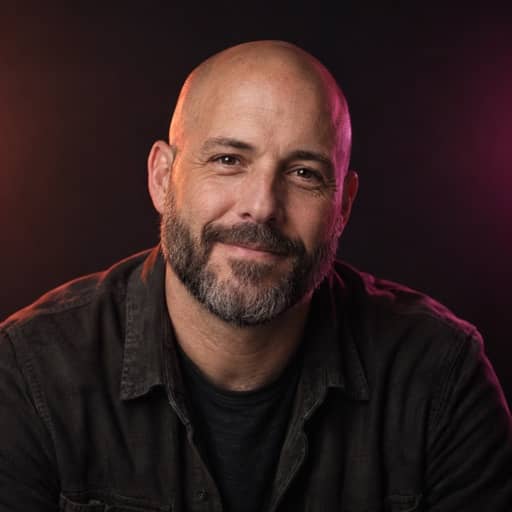
Chris - Charming, Down-to-Earth
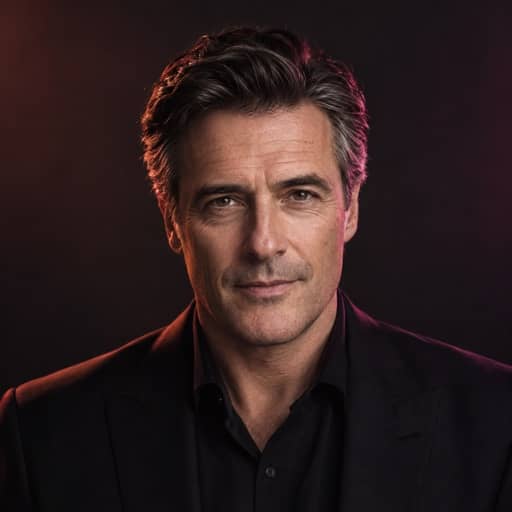
Daniel - Steady Broadcaster
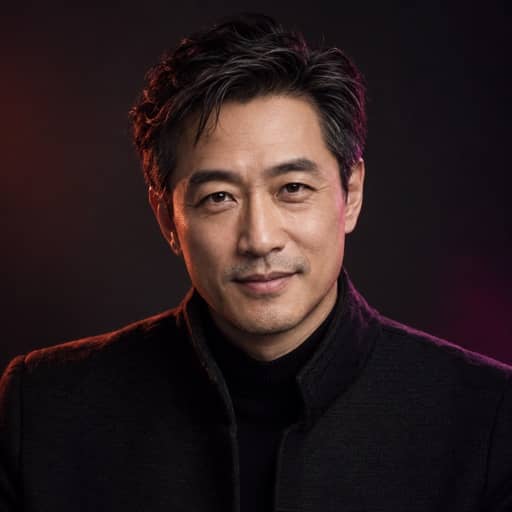
Eric - Smooth, Trustworthy

George - Warm, Captivating Storyteller

Harry - Fierce Warrior

Jessica - Playful, Bright, Warm
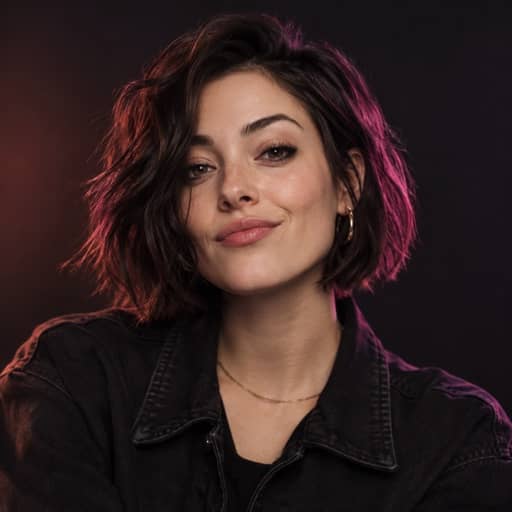
Laura - Enthusiast, Quirky Attitude
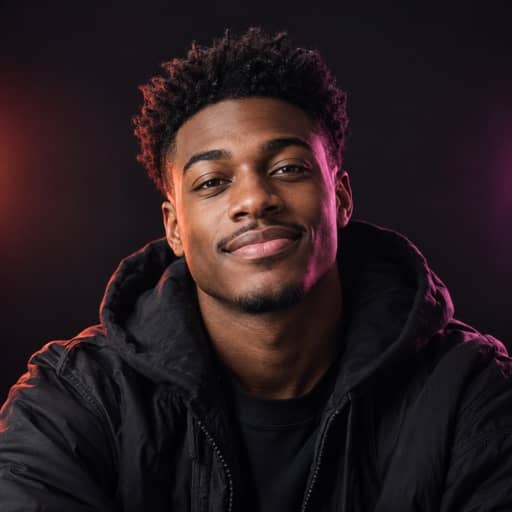
Liam - Energetic, Social Media Creator

Lily - Velvety Actress
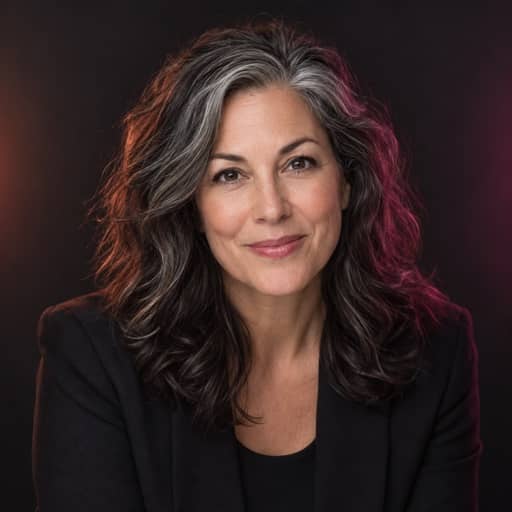
Matilda - Knowledgable, Professional
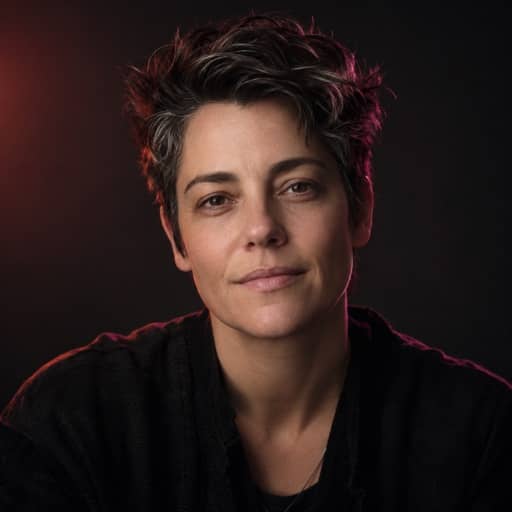
River - Relaxed, Neutral, Informative
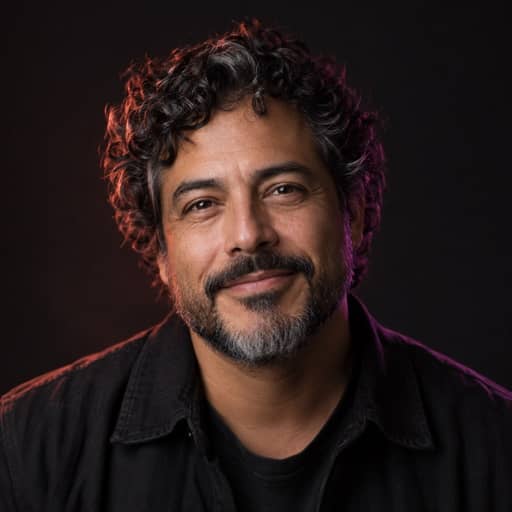
Roger - Laid-Back, Casual, Resonant
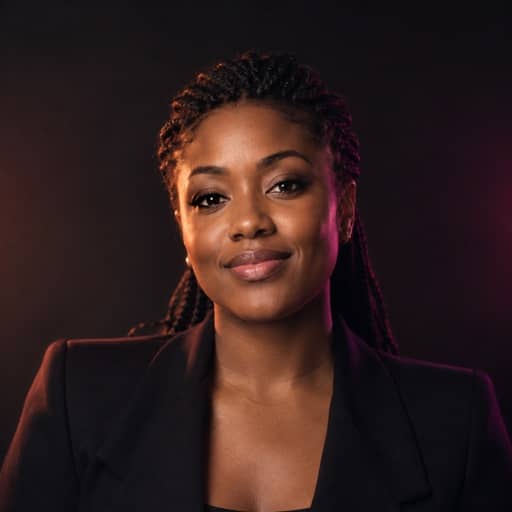
Sarah - Mature, Reassuring, Confident
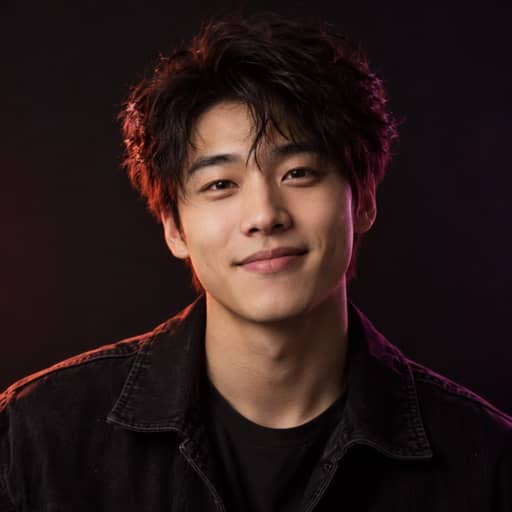
Will - Relaxed Optimist
Choose a voice
Use an MP3, WAV, M4A, OGG, or FLAC file up to 20 MB and 5 minutes.
Drag or click to add an audio file
MP3, WAV, M4A, OGG or FLAC · up to 20 MB
Your generated audio will appear here.
Upload a song and choose a target voice. The completed cover, converted vocal, and instrumental will appear here.
Making an AI cover song takes three steps, and all of them happen in your browser.
Add an MP3 or WAV file of a song you have the rights to use, such as your own recording or a track you've licensed.
Choose a voice from the licensed library. Then use the pitch slider to move the voice up or down until it sits comfortably in the song's key.
Listen to a free 30-second preview with a watermark. If it sounds right, use credits to download the full song.
This kind of cover replaces one thing: the singer. Everything else comes from the file you upload.
This is the main difference from tools that regenerate a whole track. Some AI music cover tools rebuild the song from scratch, so the drums, chords, or tempo can come back different from what you started with. Not every song cover AI works the same way.
We keep your original arrangement and only swap the voice. The result is an AI voice music cover of your actual song, with the same mix underneath, not a new song that sounds a bit like it.
You can try a free AI cover on any song you have the rights to use. Every cover starts with a 30-second preview, so you can test an AI cover song free before you decide anything. The preview carries a watermark, and full downloads use credits.
Hear your AI voice cover free for 30 seconds. Try a few voices and pitch settings, and listen to each AI song cover free until one fits.
If you're looking for a free AI cover song generator, here's the honest version: previews are free, full songs are not. That makes this an AI song cover generator free to test with any voice, and you only spend credits when you want the whole track.
Every AI voice song cover here uses a voice licensed from the person who recorded it or recorded by us. We don't offer celebrity voices or clones of real singers.
Think of it as an AI cover voice generator with clear sourcing: [PLACEHOLDER: number of voices] voices, each one licensed or recorded in-house. That protects the people behind the voices and keeps your covers clear of someone else's identity.
A voice can sound strained when a song sits too high or too low for it. The pitch slider shifts the voice up or down so it fits the song's key and range. Try a few positions in the preview before you download.
We don't clone famous voices or real singers, and we don't plan to. Copying a person's voice without consent can hurt them, and in many places it raises legal issues.
Four steps, start to finish:
That's the whole AI song cover maker workflow. The AI cover maker handles the vocal conversion, and you decide the voice and the pitch. If you plan to make AI cover songs often, start with clean recordings where the lead vocal is easy to hear.
There's no AI cover song app to install. The AI song cover generator runs online in your browser, so you upload, preview, and download from the same tab. Because it's online, you can try an AI cover free from any browser. If you've used an AI cover generator or an AI music cover generator before, the steps will feel familiar. The difference is that this cover song AI leaves your original arrangement in place.
Many people ask for an "AI cover with my voice" option. It's on the way, but it isn't available yet.
When it launches, you'll be able to use your own voice in the same upload, choose, and preview flow. Until then, every cover uses a voice from the licensed library.
Upload an MP3 or WAV of a song you have the rights to use, choose a licensed voice, and adjust the pitch slider. Then play the free 30-second preview. If you like it, use credits to download the full track. That's how to make AI cover songs here, start to finish, in your browser.
It's a version of a song sung by a different voice. Ours keeps the original music: the melody, lyrics, and instrumental come straight from your file, and only the singing voice changes. The arrangement, tempo, and structure stay as they were, so it still sounds like your song.
Partly. You can hear an AI cover song free for 30 seconds with any voice. The preview has a watermark, and downloading the full song uses credits. So it's an AI cover song generator free for testing voices and pitch, but full-length downloads are not free.
Not yet. Using your own voice is coming soon, but it isn't available today. When it launches, you'll be able to use your own voice in the same upload, choose, and preview flow. Until then, every cover uses a voice from our licensed voice library.
No. We only offer voices that are licensed from the people who recorded them or recorded by us. We don't clone celebrities or real singers, because copying someone's voice without permission can harm that person and may break the law in many places. Licensed voices protect the voice owners and you.
It depends on where you live and how you use the result. This is general information, not legal advice. Only upload songs you have the rights to use, such as your own music or tracks you've licensed. Sharing a cover of someone else's song may need permission from the rights holders, so check local rules.
You can upload MP3 or WAV files. The maximum song length is [PLACEHOLDER: max duration]. For the best result, use a good-quality file where the lead vocal is clear and not buried under the instruments, since the new voice follows the original vocal line.
Song generators create a new track from a text prompt, so the music is new every time. This is an AI cover generator, not a songwriter. It takes a song you already have and changes only the voice. The melody, lyrics, and arrangement stay as they were, which is the whole point of a cover.
Use it responsibly
Only upload songs you own or have permission to use. Our voices are licensed or recorded in-house, and we don't offer celebrity or singer voice clones. When you share AI covers, let listeners know an AI voice was used.
Hear your song in a new voice
Upload a song, pick a licensed voice, and hear your AI song cover free for 30 seconds.
Create a free AI song cover preview